
I’d been struggling a bit with long running AI coding sessions and constantly dropping in and out of context.
Every time I switched projects I was doing the same thing:
- open terminal
- cd into project
- split panes
- start Claude
- open lazygit
- remember what I was even doing
Doesn’t sound like much, but when you bounce between projects all day it becomes friction.
I started reading into tmux properly and realised this is literally the problem tmux has solved for years. I just never really had a reason to care about persistent terminal sessions before AI agents became part of my workflow.
So I used Claude to help me build a tiny tool called workon, it’s a simple play on ”work on this-project”.
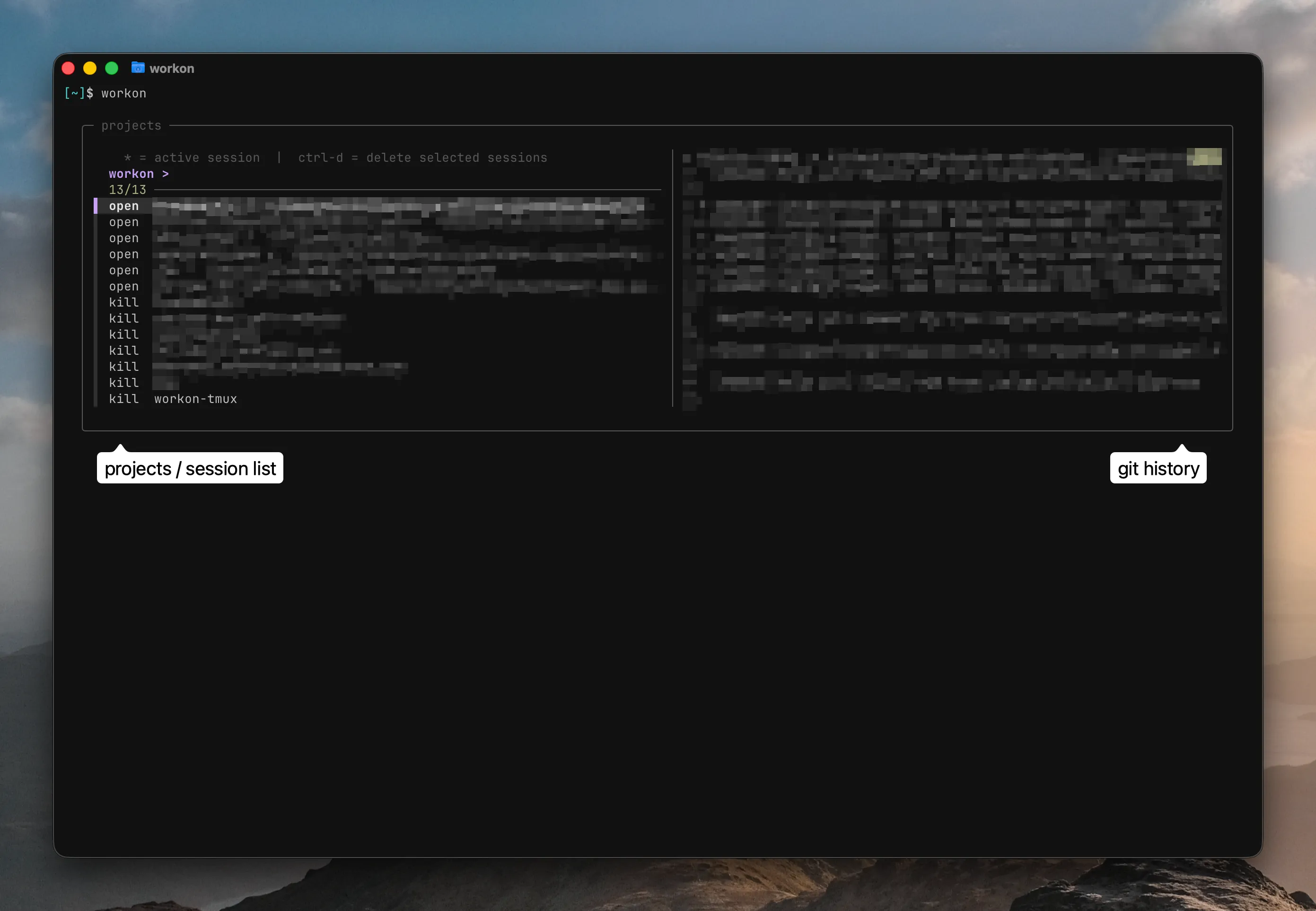
The idea was deliberately simple and basic, typing workon opens an fzf picker where I can select a project I’ve added to workon. It restores the tmux session if it already exists, opens Claude Code in one pane, lazygit in another, and keeps me inside the same context instead of constantly rebuilding it from scratch.
The whole thing is just a bash script pulling together tools I already use:
- tmux
- fzf
- Claude Code
- lazygit
No YAML, no frameworks, no dependencies beyond stuff already on my machine.
I was very intentional about keeping it simple. I didn’t want a “productivity system”. I wanted one command that removed friction.
Also being honest: AI wrote a lot of it. Not in a one shot way, more like I knew I wanted to pull these tools together and use bash, but I’ll be first to admit I’m not the best at writing bash. I knew exactly what I wanted the workflow to feel like, and used Claude to iterate on the implementation quickly.
It’s probably one of the first small AI-assisted tools I’ve built that genuinely changed my day-to-day workflow immediately.
It’s not really built to be a public product as it solves a very specific problem for me but might be worth having a look if you have the same issues.